Pro photo editor for iPhone and Android
Your photos, in their best light.
Raw files, masks, curves and real colour tools, built for the phone in your pocket. Every edit happens on your device, as fast as you can drag a slider.
Free core editor. Lighthaven Pro unlocks masks, curves and grading.
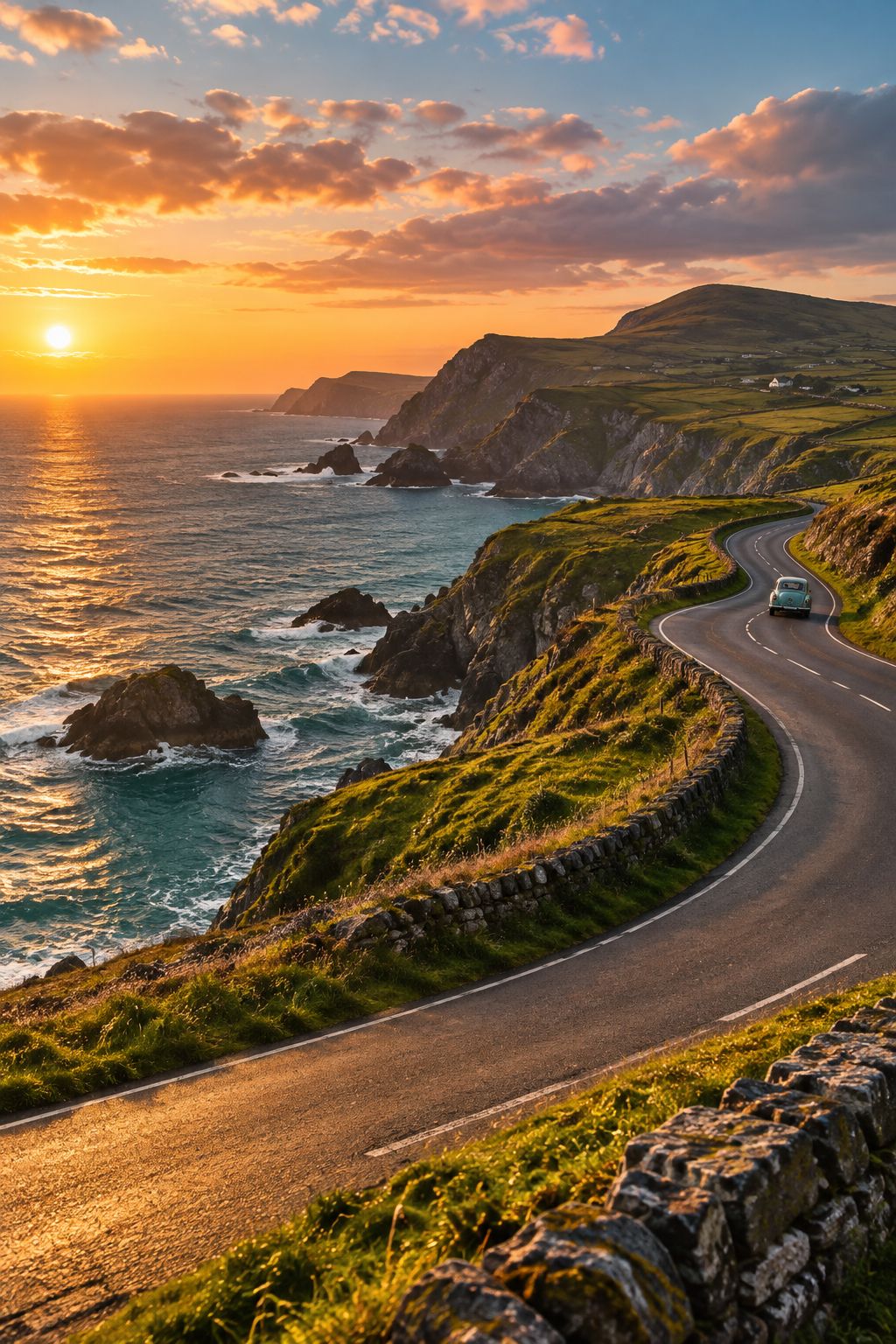
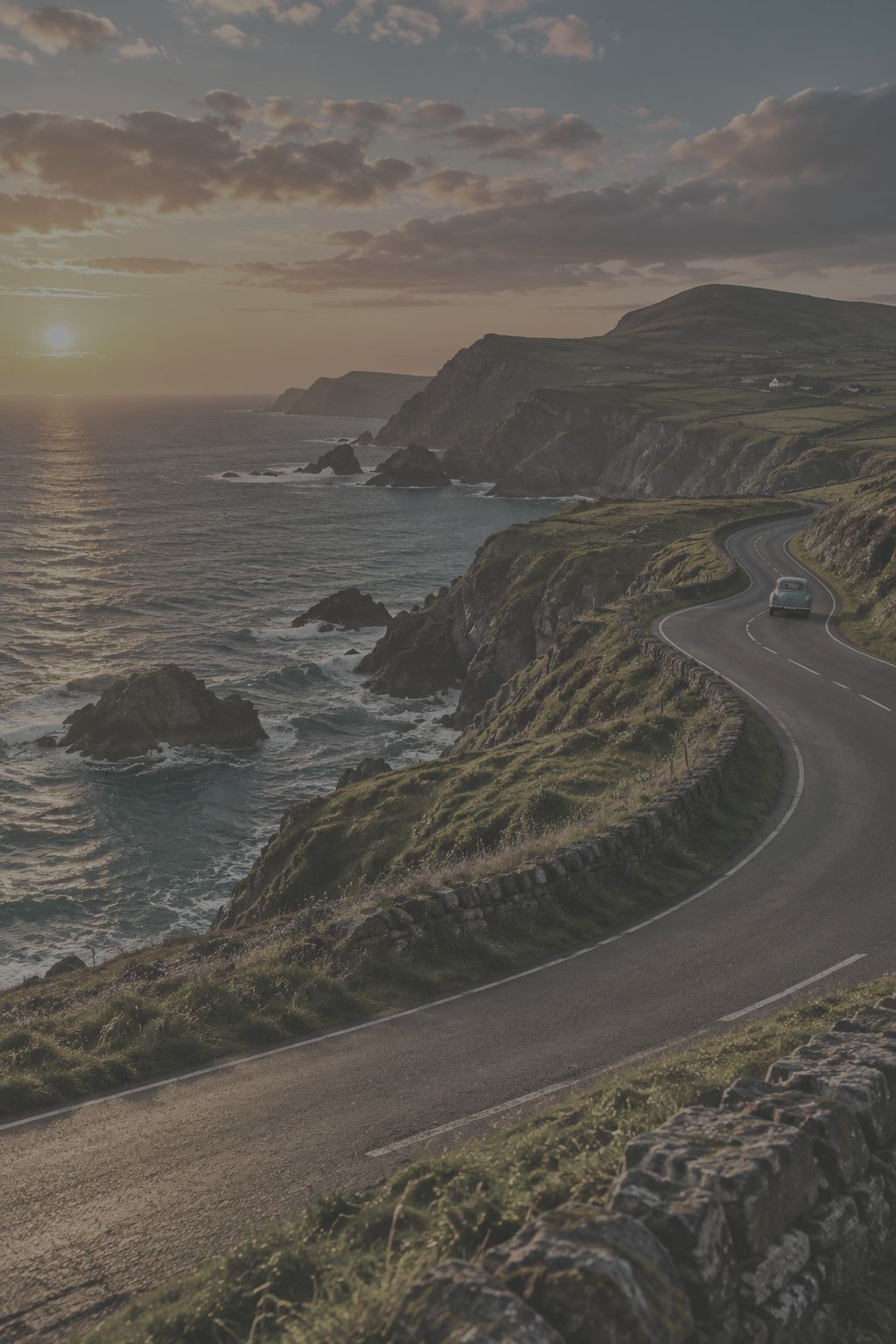 BeforeAfter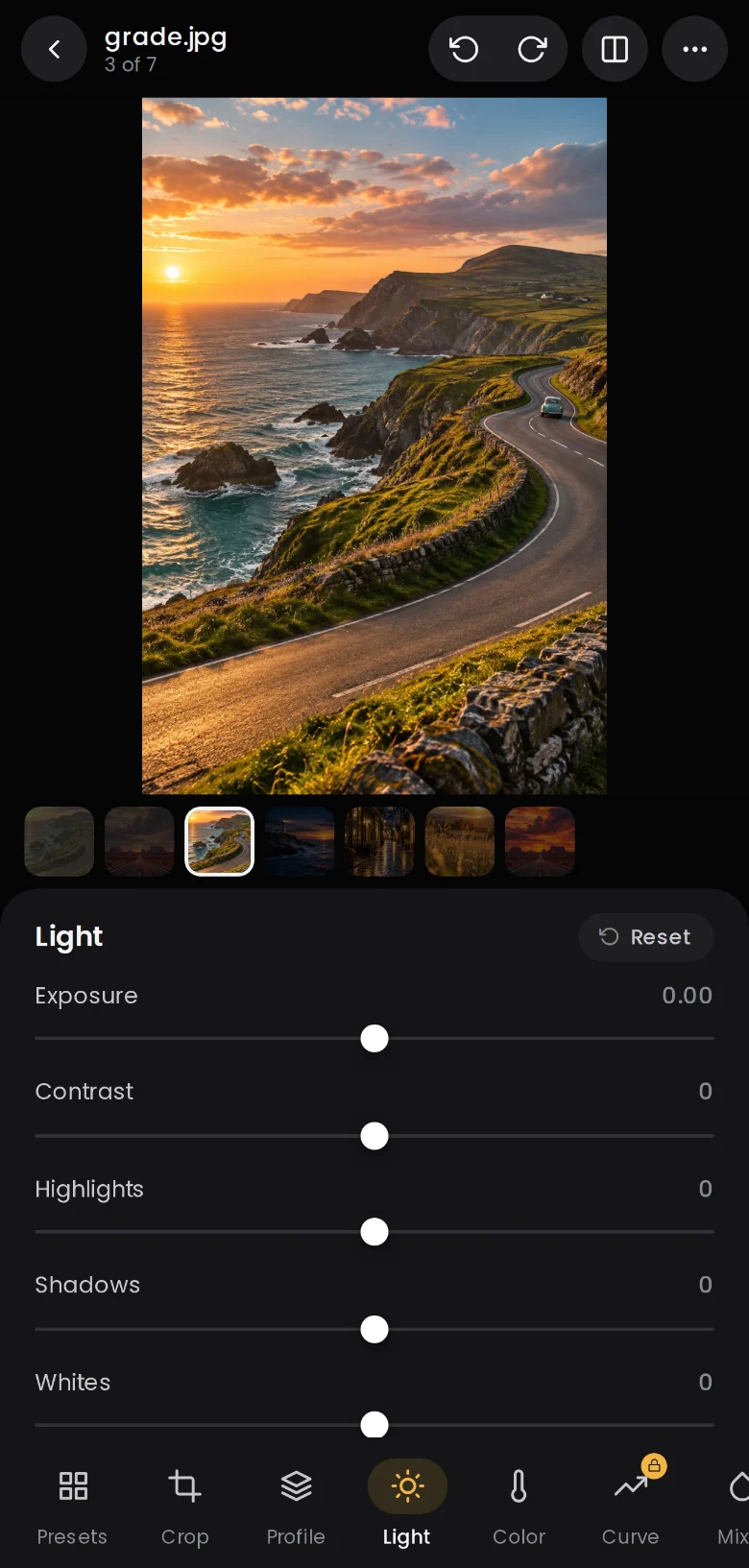
Drag the photo to compare
Made for the phone
A desktop-class editor that fits in one hand.
Lighthaven feels like the camera roll you already know, with the tools you would usually sit down at a computer for.
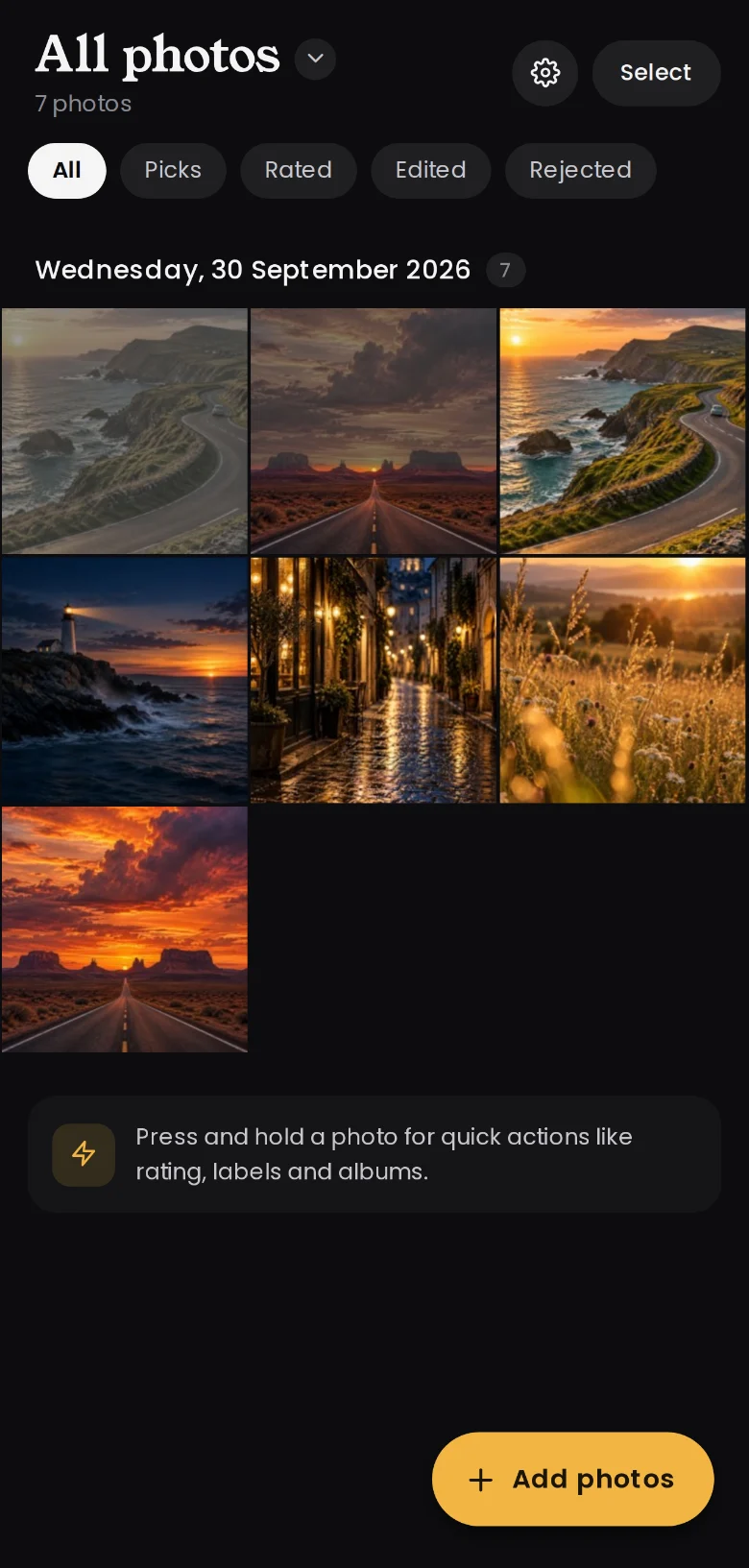
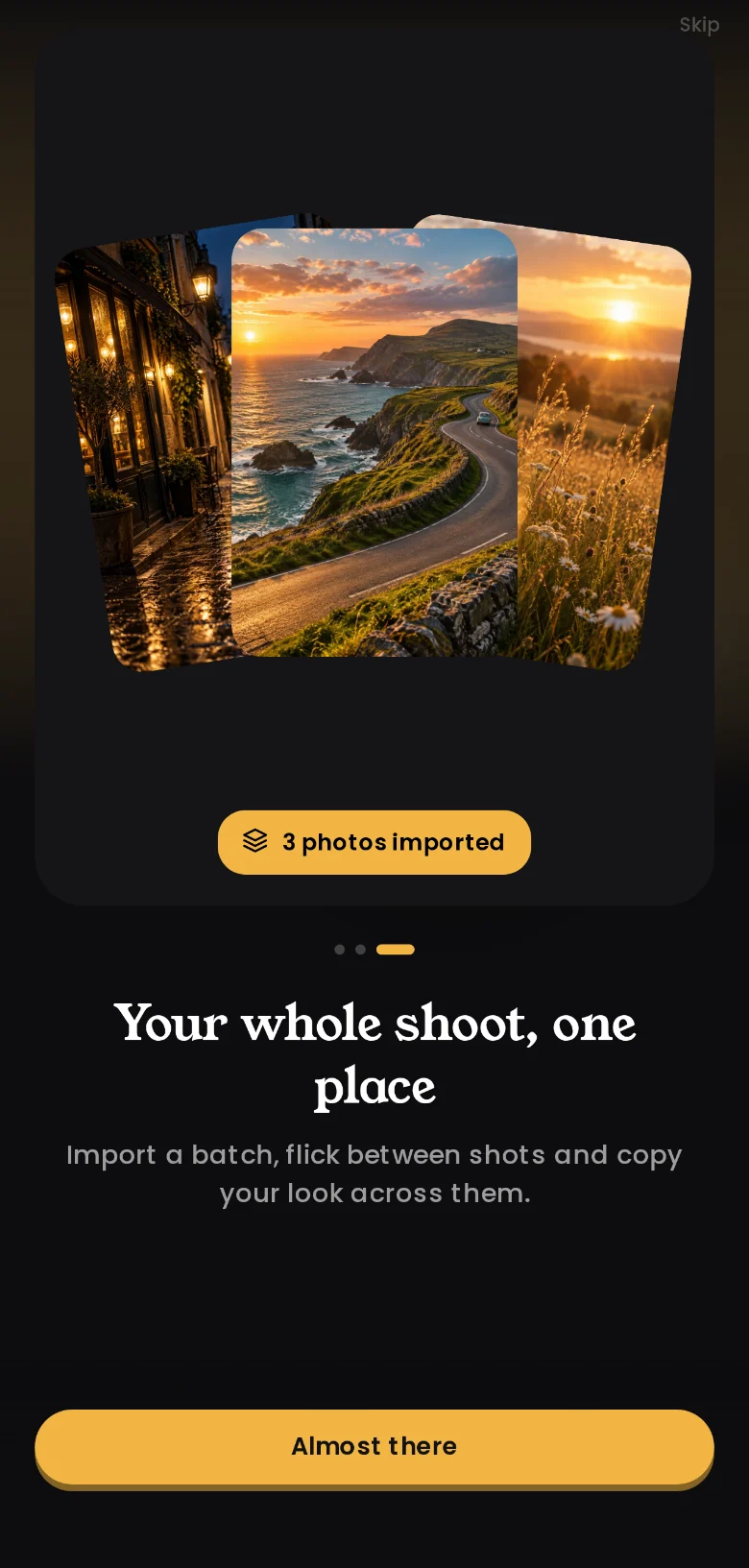
Your whole shoot, one place
Import a batch, rate, pick and label, then group shots into albums and stacks.
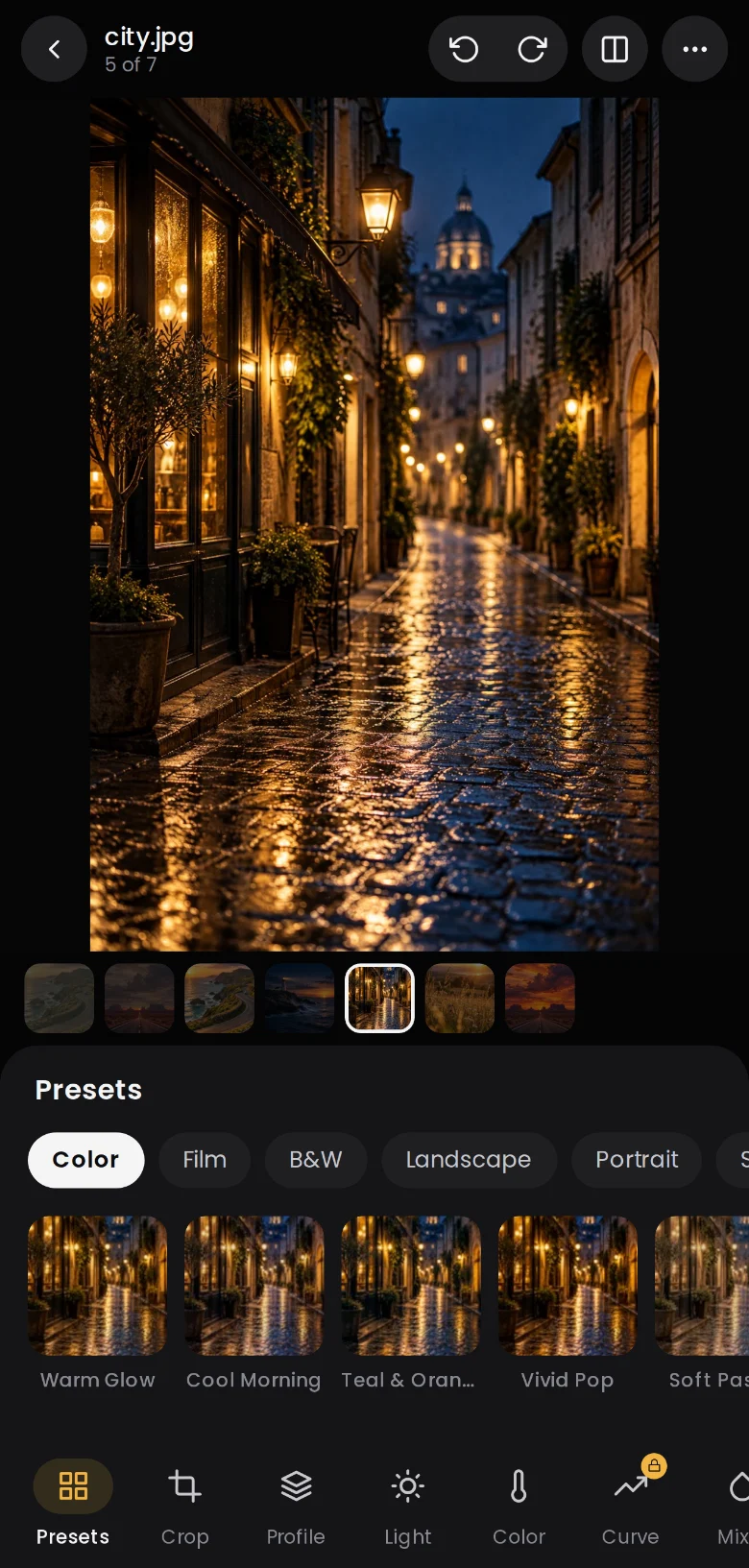
Looks you can see first
Every preset renders live on your own photo, so you choose with your eyes.
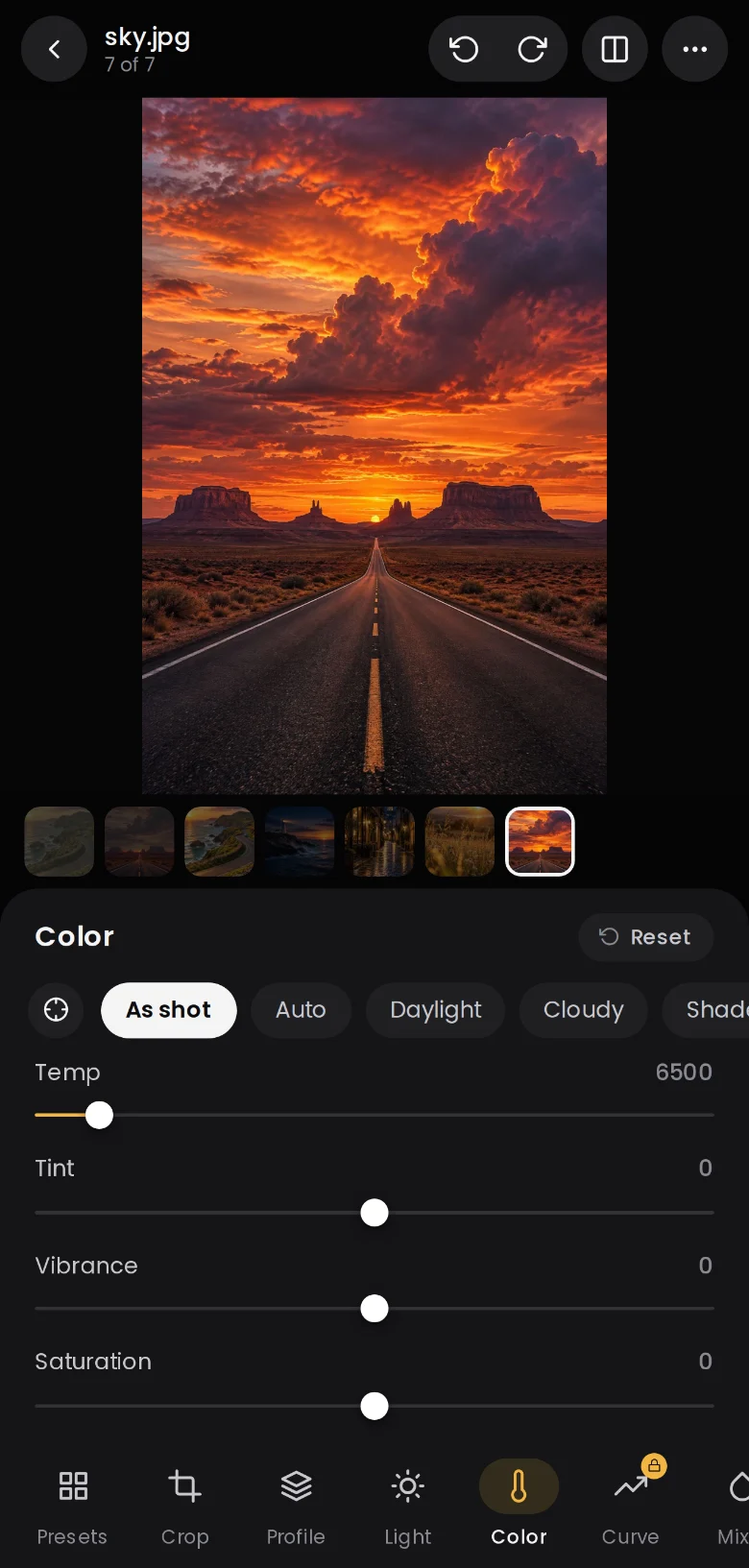
Colour that feels right
White balance, vibrance, saturation and calibration, with an eyedropper on the photo.
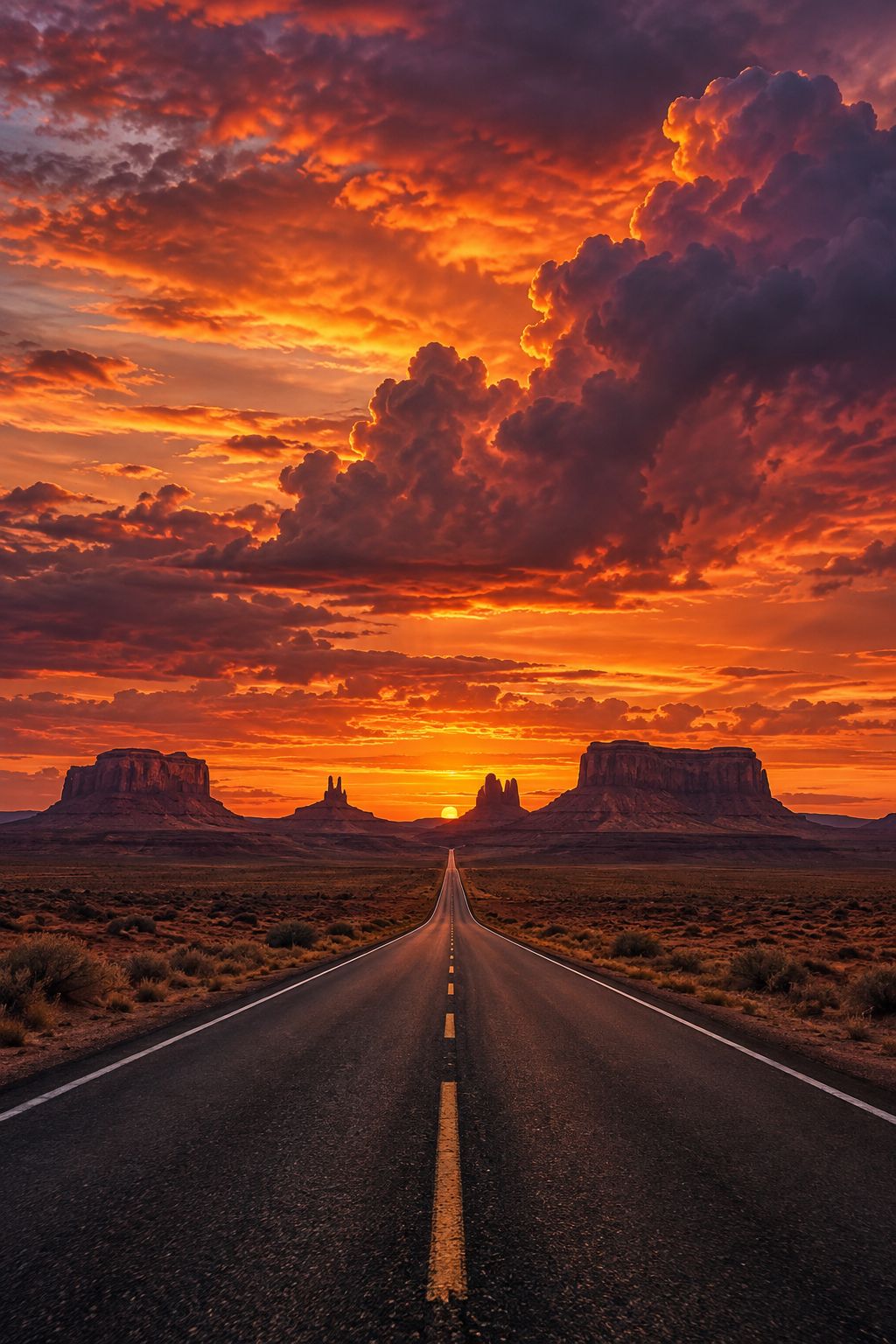
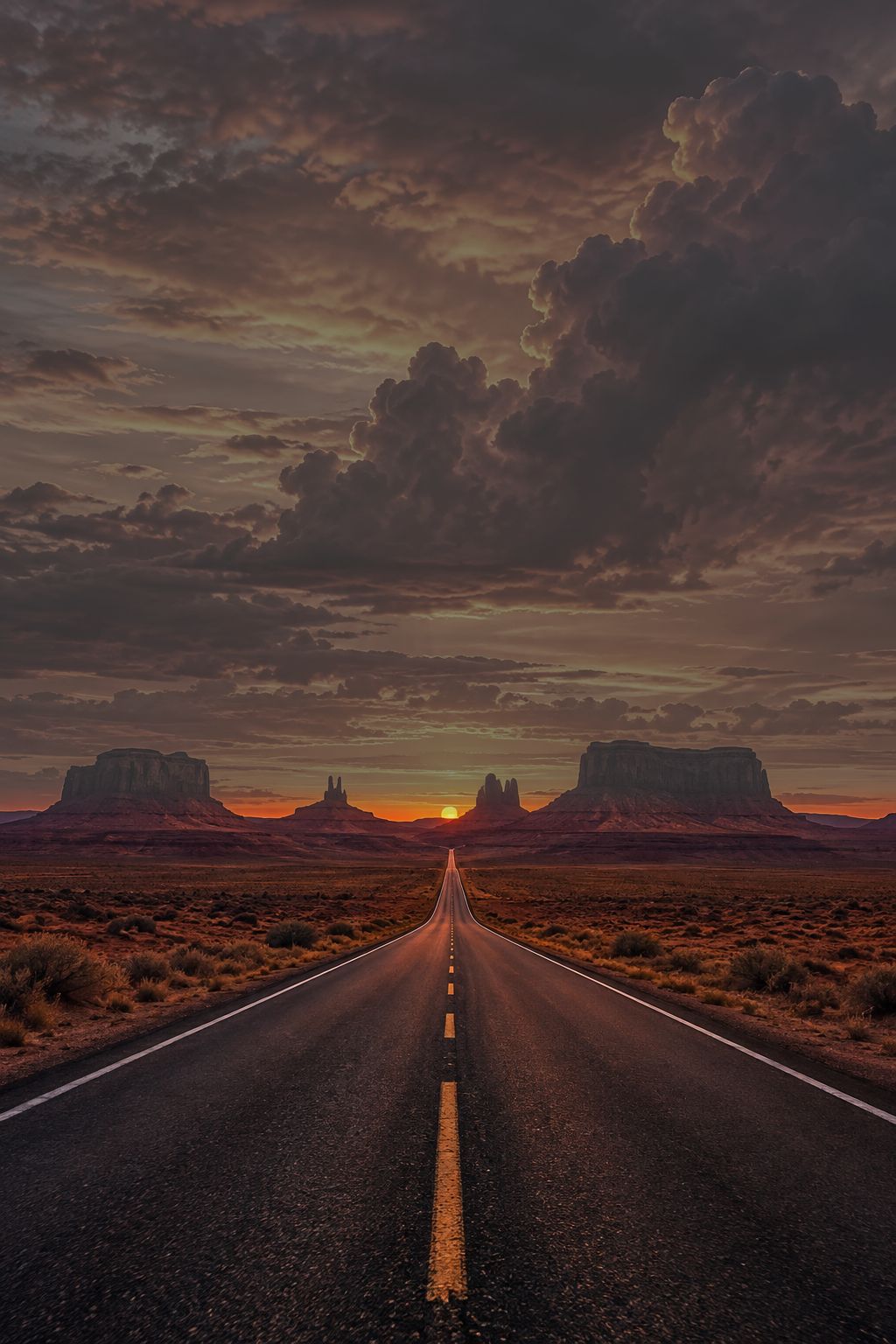 BeforeAfter
Masks
Edit just the sky.
Masks find the sky, your subject or the background in one tap. Or draw your own with a brush, a linear gradient or a radial, and change only that part.
- Sky, subject and background detection
- Brush, linear and radial masks with on-photo handles
- 15 local adjustments per mask
Everything you need
Every tool a photographer reaches for.
Raw processing
Open raw files from your camera or phone and pull back the detail hiding in the highlights and shadows.
Light, colour and tone
Exposure, contrast, highlights, shadows, whites, blacks, white balance, vibrance and saturation.
Tone curvesPro
A point curve for each channel plus parametric region sliders for precise contrast.
Colour mixer and point colourPro
Shift the hue, saturation and luminance of any colour, or pick one straight from the photo.
Colour gradingPro
Drag colour wheels for shadows, midtones and highlights, with blending and balance.
MasksPro
Select the sky or your subject in one tap, or draw radial, linear and brush masks by hand.
HealingPro
Heal, clone or remove distractions with a tap or a brush. Find dust spots automatically.
Red eye
Tap to fix red eye for people and glowing eyes for pets.
Crop and geometry
Aspect ratios, straighten, auto level, rotate, flip and perspective correction.
Presets
Live previews of every look on your own photo. Save your edit as a preset and reuse it.
A real library
Ratings, picks, colour labels, stacks, albums, smart albums and keywords.
Filmstrip
Import a whole shoot at once and flick between shots without leaving the editor.
Filmstrip
Flick through a shoot like a contact sheet.
Bring in a whole set at once. Swipe between shots in the editor, copy your look and paste it across the rest in a couple of taps.
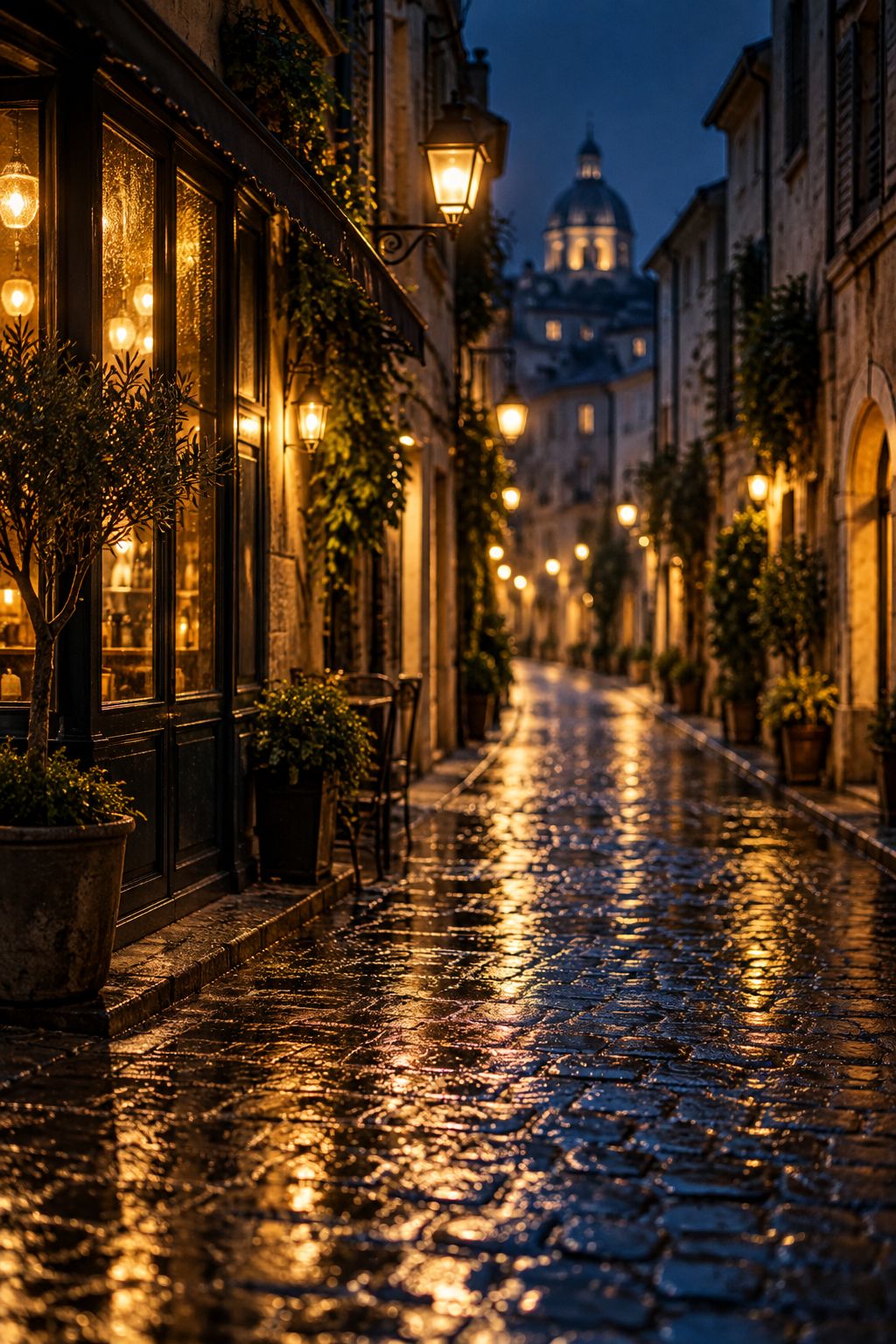

Your photos never leave your phone.
Lighthaven's engine runs on your device. No uploads, no cloud processing, no account to create. Your library stays private and works offline.
Pricing
Free to edit. Pro when you need it.
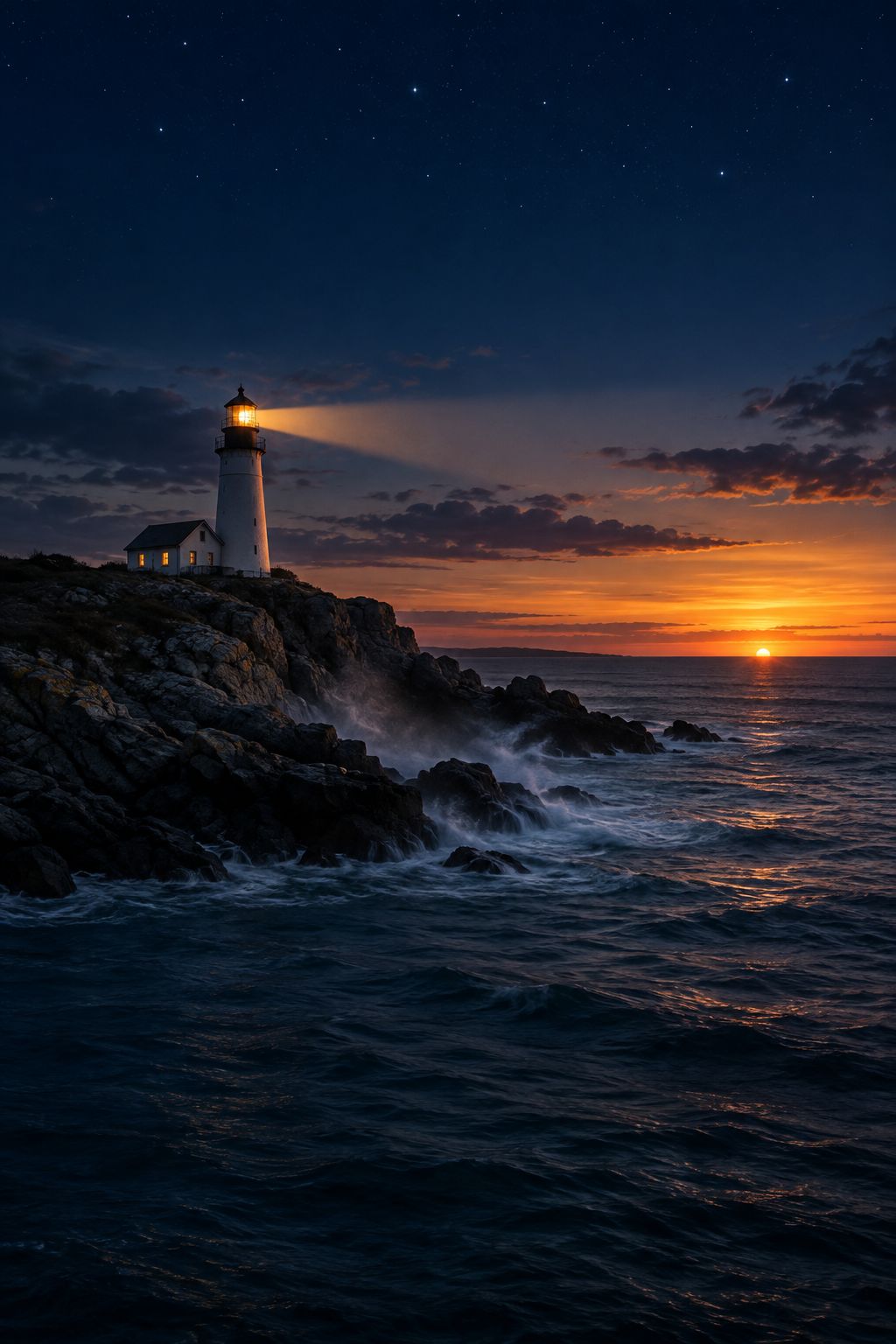

Find your light.
Lighthaven is free to download and free to edit with.