
Features
Pro tools, pocket sized.
Lighthaven is built on a full photo engine that runs on your phone. Here is what it can do.
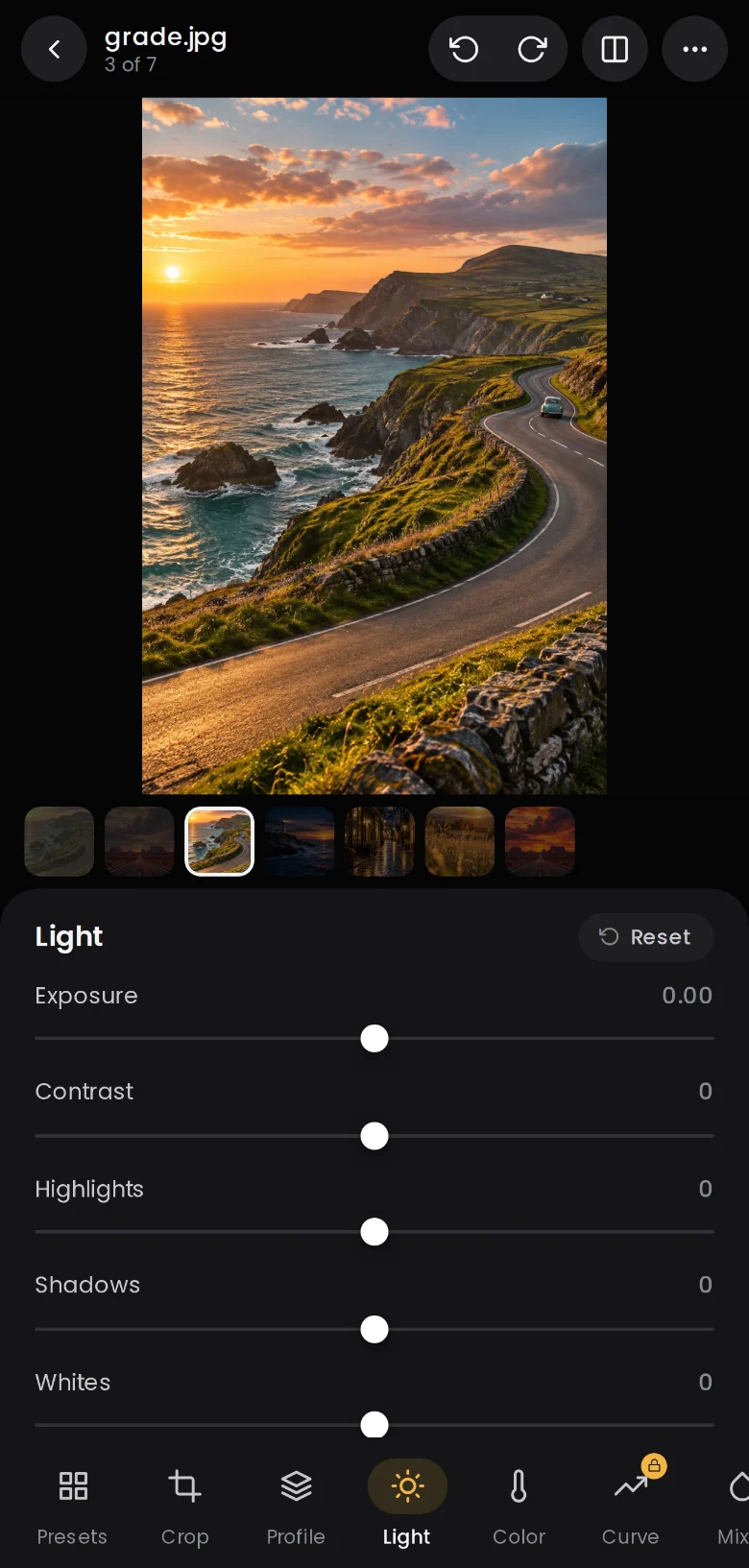
Develop
Light, colour and tone, in a few swipes.
The develop sliders you know from desktop editors, tuned for a thumb. The photo redraws as you drag, and a light tap on the compare button shows where you started.
- Exposure, contrast, highlights, shadows, whites and blacks
- Texture, clarity and dehaze
- Sharpening, noise reduction and lens corrections
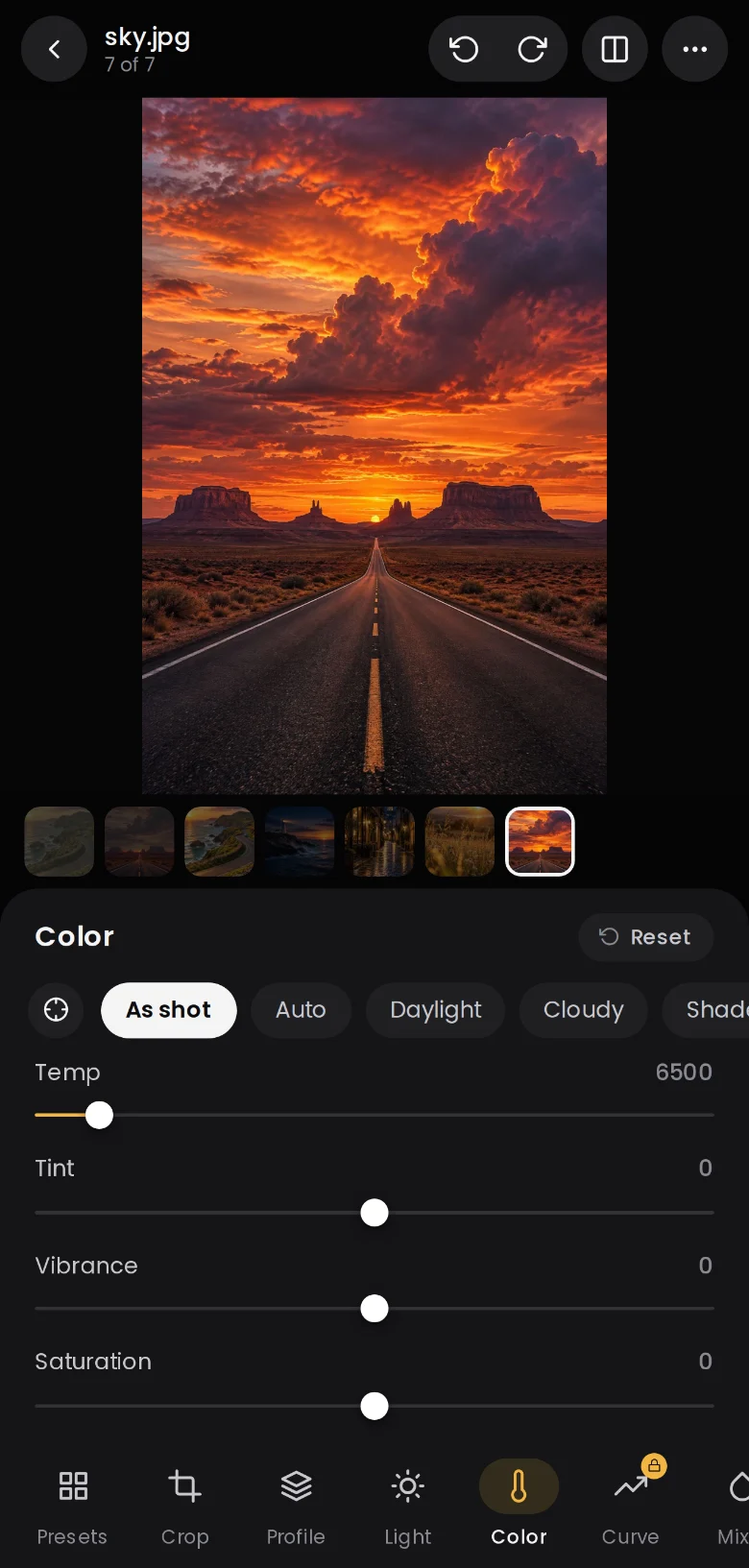
Colour
White balance that listens.
Start from As shot, Auto or a daylight preset, or tap the eyedropper on something neutral. Then refine temperature, tint, vibrance and saturation, and calibrate the primaries.
- White balance presets and eyedropper
- Vibrance and saturation
- Camera calibration for red, green and blue
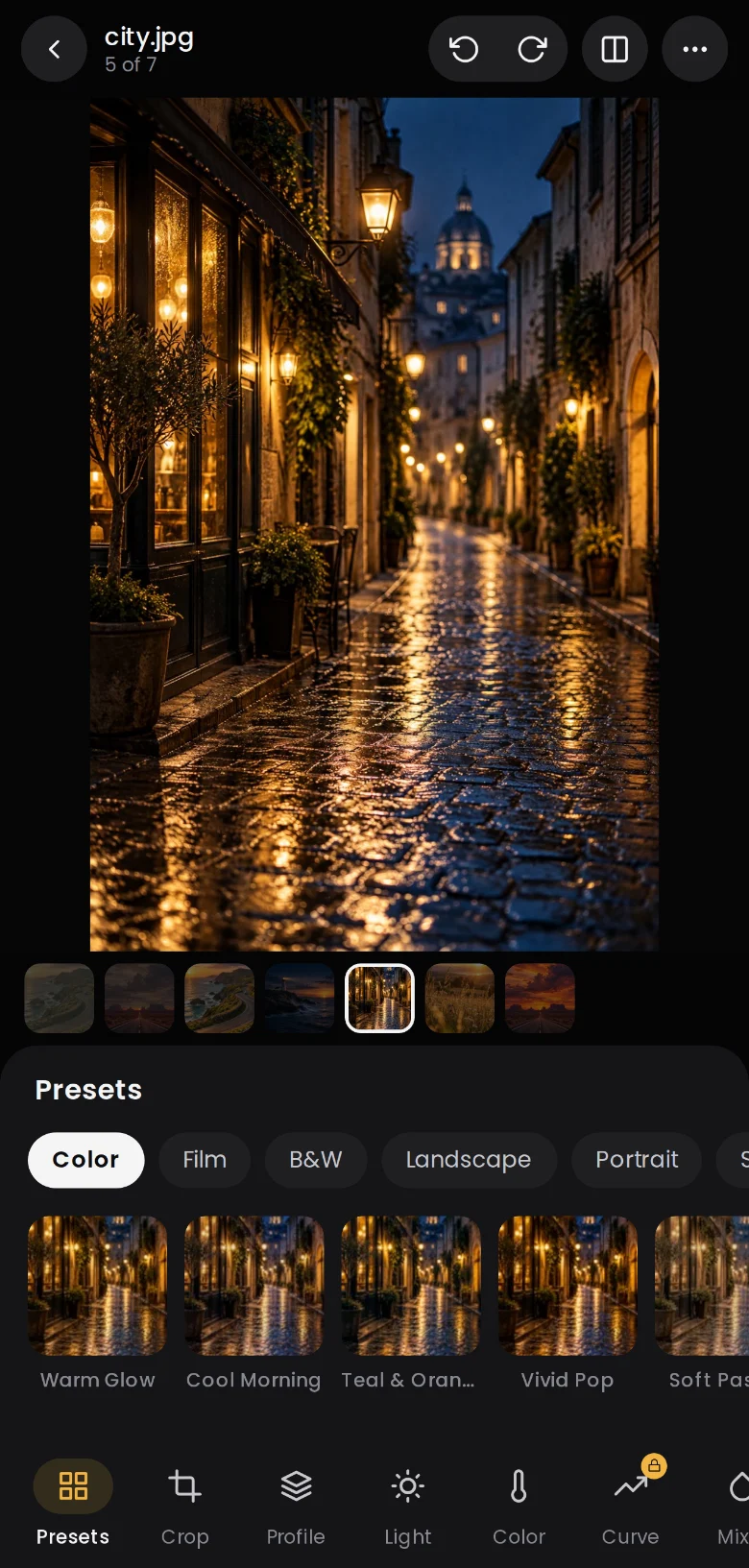
Presets and profiles
See every look on your own photo.
Presets render live as preview cards, grouped by colour, film, black and white, landscape, portrait and more. Found your look? Save it as a preset and apply it on import.
- Live preview cards for every preset
- Profiles with an amount slider
- Save your own presets and apply them on import
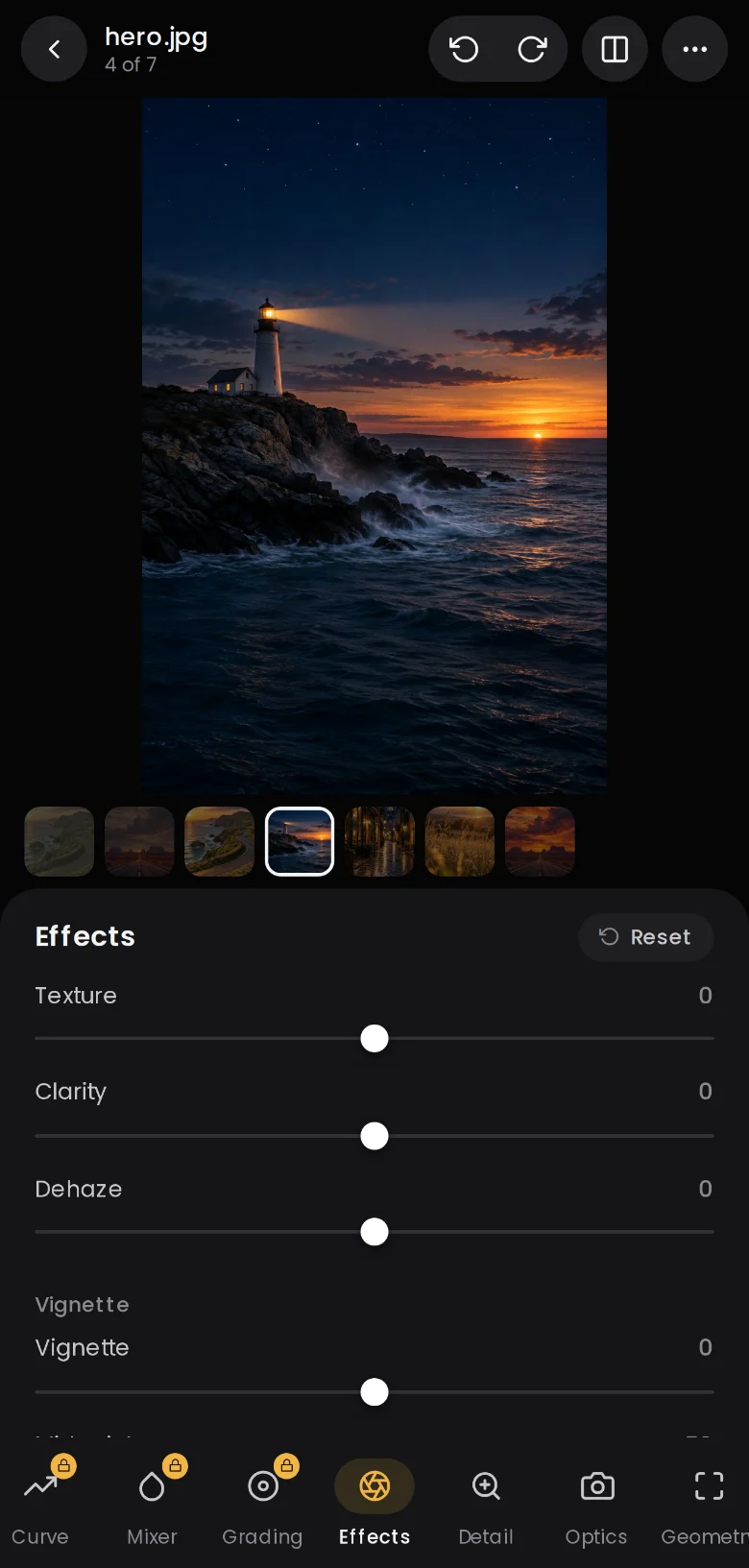
Effects and detail
Mood, texture and finish.
Add clarity to a coastline, lift haze from a mountain view or finish with a vignette and grain. Detail and optics keep things crisp and corrected.
- Texture, clarity and dehaze
- Vignette and grain
- Detail and optics panels
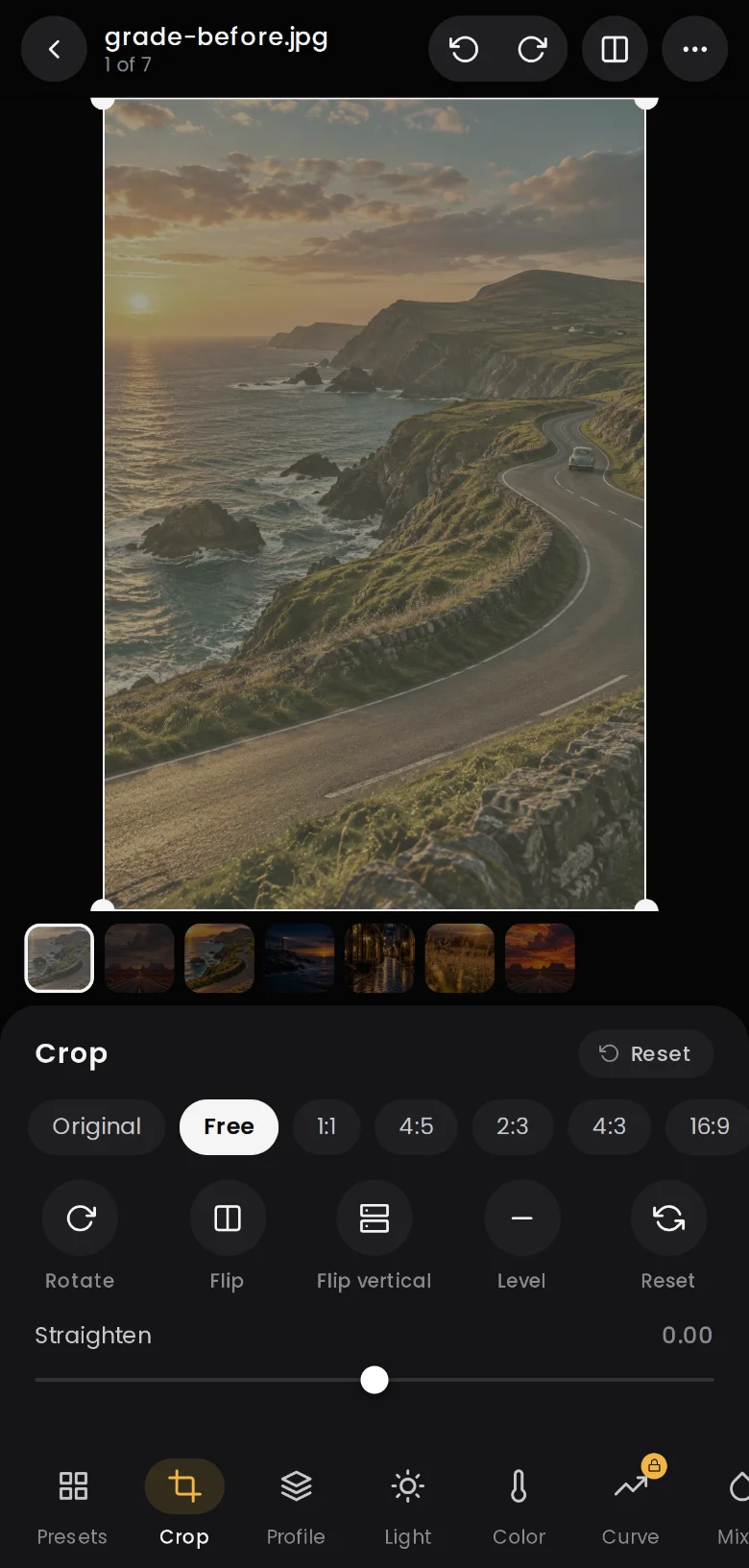
Crop and geometry
Straight horizons, perfect frames.
Pick an aspect ratio, drag the crop box over the full photo, straighten with a slider or let auto level do it. Rotate, flip and fix perspective in geometry.
- Original, free, 1:1, 4:5, 2:3, 4:3 and 16:9
- Straighten and auto level
- Rotate, flip and perspective
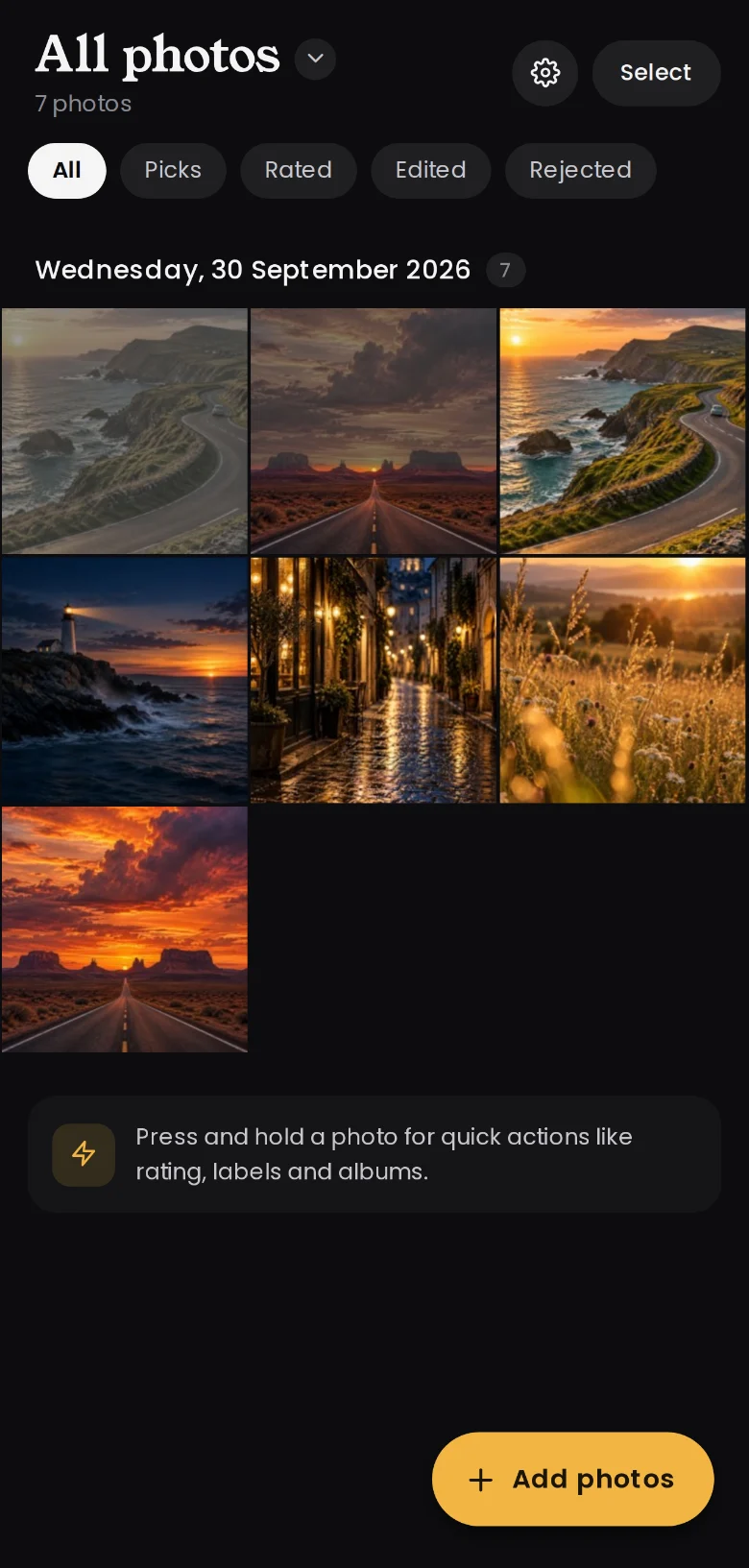
Library
Organise like a pro, on your phone.
A proper catalogue, not a folder. Rate with stars, flag picks and rejects, add colour labels and keywords, stack similar frames and build albums and smart albums that fill themselves.
- Ratings, picks, rejects and colour labels
- Stacks, albums and smart albums
- Keywords, titles and captions
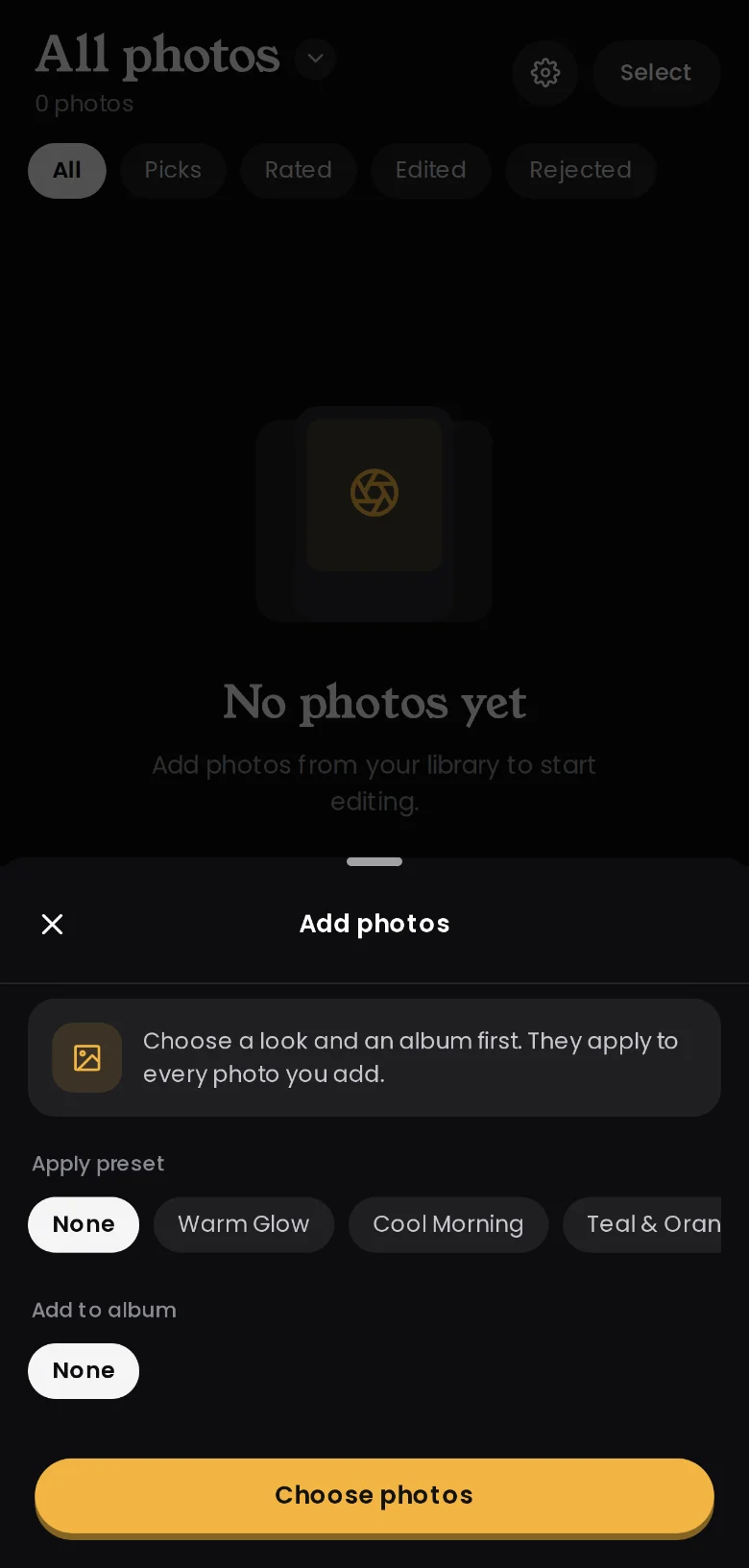
Import and filmstrip
Bring in the whole shoot.
Import many photos at once and apply a preset and an album on the way in. In the editor, the filmstrip lets you flick between shots, and copy and paste settings across them.
- Multi-photo import
- Apply a preset and album on import
- Swipe or tap the filmstrip to move between photos
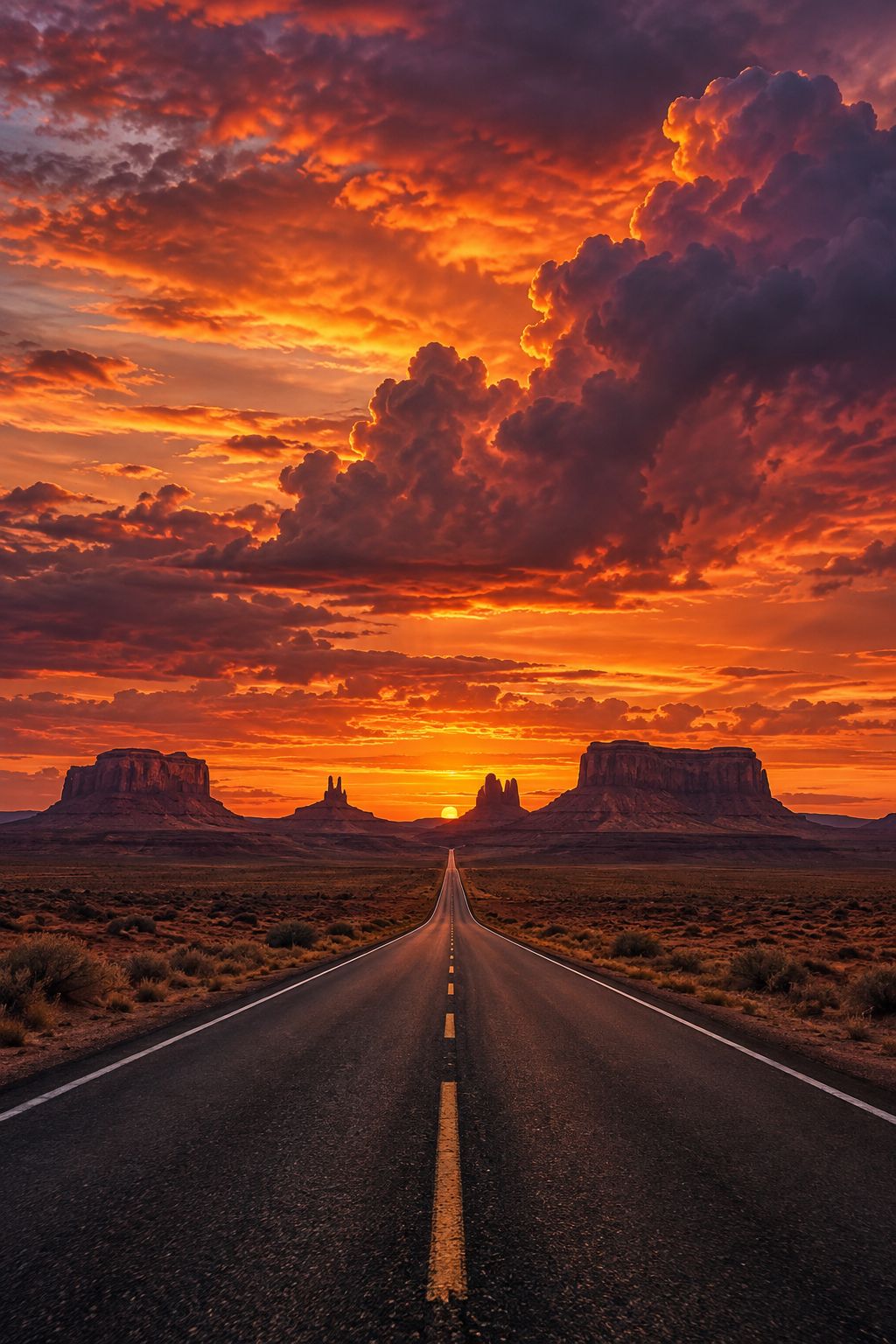
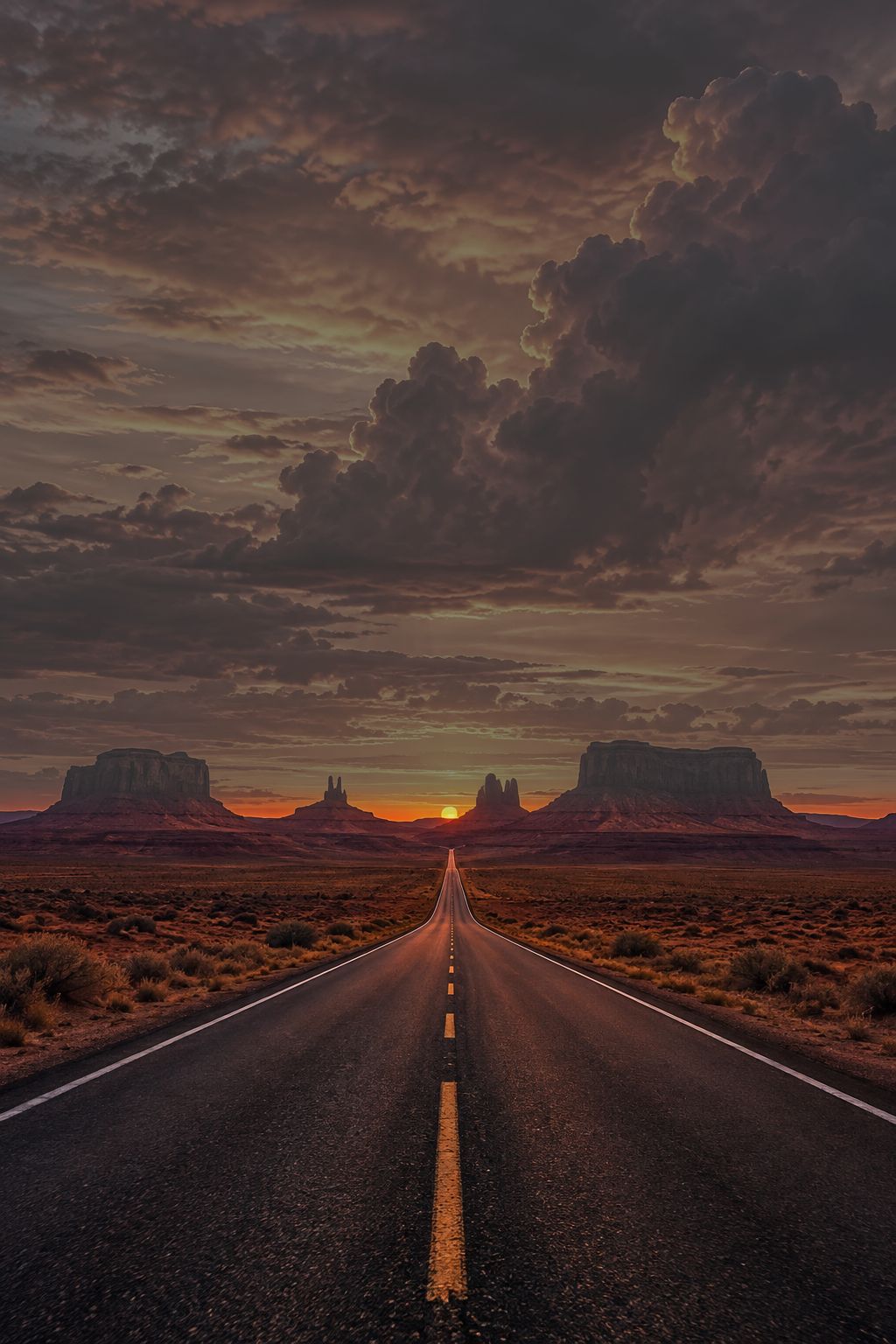 BeforeAfter
Masks Pro
Change only the part that matters.
Select the sky, your subject or the background automatically. Paint with a brush and erase what you don't need, or drag linear and radial masks with handles right on the photo. Each mask gets its own exposure, colour, clarity and more.
- Sky, subject and background in one tap
- Brush, linear and radial masks
- Overlay, invert, duplicate and 15 local adjustments
The full toolkit
Everything in Lighthaven.
Tools marked Pro are part of Lighthaven Pro. Everything else is free.
Raw processing
Open raw files from your camera or phone and pull back the detail hiding in the highlights and shadows.
Light, colour and tone
Exposure, contrast, highlights, shadows, whites, blacks, white balance, vibrance and saturation.
Tone curvesPro
A point curve for each channel plus parametric region sliders for precise contrast.
Colour mixer and point colourPro
Shift the hue, saturation and luminance of any colour, or pick one straight from the photo.
Colour gradingPro
Drag colour wheels for shadows, midtones and highlights, with blending and balance.
MasksPro
Select the sky or your subject in one tap, or draw radial, linear and brush masks by hand.
HealingPro
Heal, clone or remove distractions with a tap or a brush. Find dust spots automatically.
Red eye
Tap to fix red eye for people and glowing eyes for pets.
Crop and geometry
Aspect ratios, straighten, auto level, rotate, flip and perspective correction.
Presets
Live previews of every look on your own photo. Save your edit as a preset and reuse it.
A real library
Ratings, picks, colour labels, stacks, albums, smart albums and keywords.
Filmstrip
Import a whole shoot at once and flick between shots without leaving the editor.
Export your way
JPEG or PNG at the size and quality you choose, with or without metadata.
Undo history
Step back through every change, save versions and copy settings across photos.